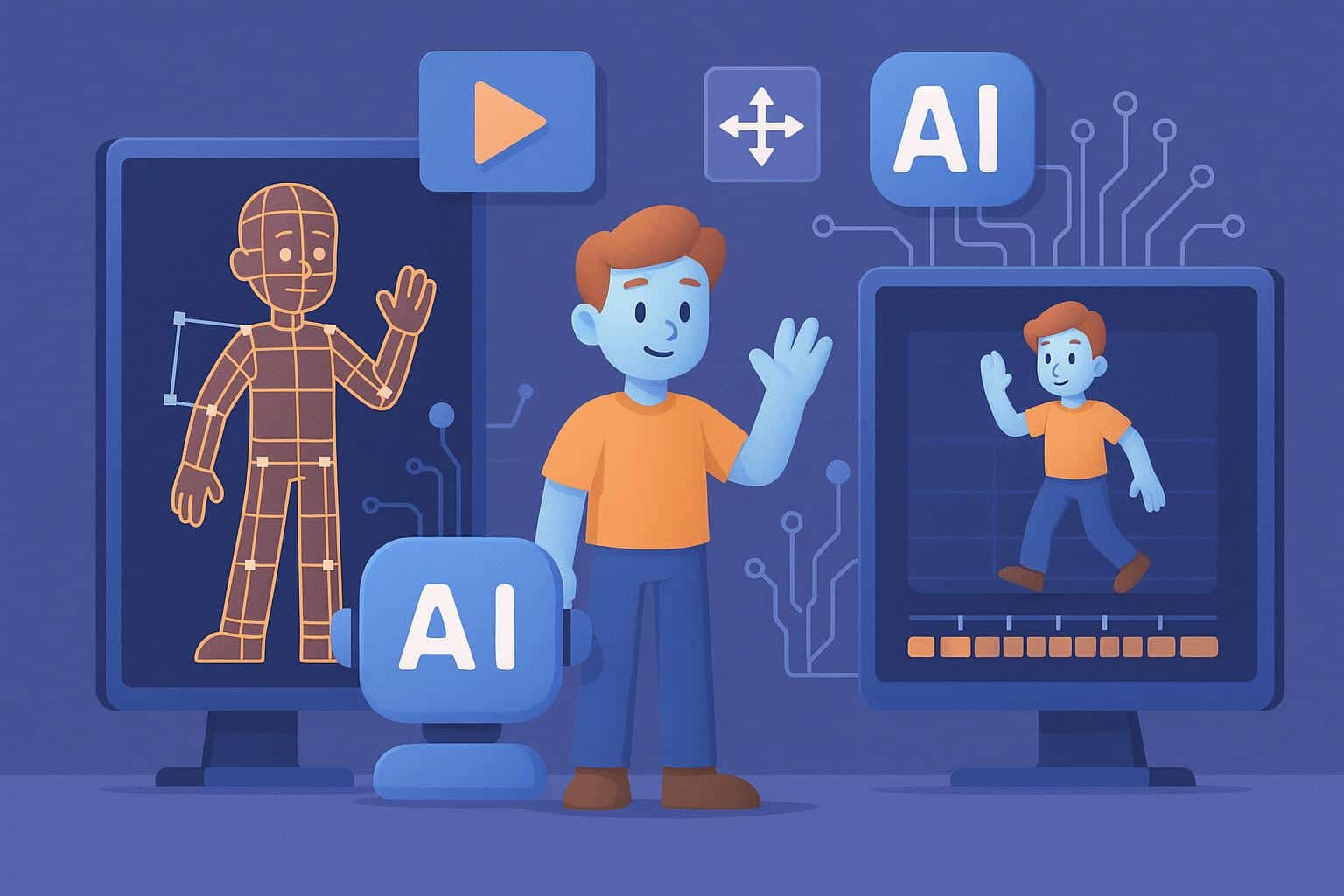
Animating a 3D character takes more work than most viewers realize. Artists build models, place bones, paint weights, test joints, and correct motion before production.
AI now helps with several of those early steps. The biggest benefit is speed during testing, not instant finished characters.
GDC’s 2026 industry survey included more than 2,300 game professionals. About 36% said they already use generative AI at work. Prototyping was reported by 35% of professionals using these tools.
Why Character Animation Takes So Much Production Time
A character cannot animate well without a usable model underneath. Artists must check proportions before adding any skeleton. Next comes rigging, where bones and controls are added. Skin weights then decide how the mesh bends around every joint.
Problems around shoulders or unusual limbs can take hours. Animators may only start motion work after those corrections. This explains why AI animation tools are gaining attention. They can shorten routine setup while artists focus on difficult decisions.
1. AI Can Speed Up Early Character Creation
Traditional modeling starts with manual sculpting or polygon work. That process gives artists control but takes meaningful production time. A Text to 3d workflow offers another starting point for early concepts. You describe a character idea and generate a model for review.
This approach is useful when your team needs quick alternatives. You can test height, proportions, clothing shapes, or creature silhouettes before detailed production.
Meshy is a browser based platform built around this process. It can generate 3D assets from written prompts or image references. The platform has both free and paid plans available. Its current free plan provides 100 monthly credits for exploring generation tools.
2. Multiple Views Can Reduce Guesswork
A single front image does not explain the whole character. The back, sides, clothing depth, and uneven details may stay unclear. Multi View gives the generation system more visual information. Artists can provide one main reference plus three additional angles.
Meshy 7 supports Multi View on paid plans. Free users can explore other tools, but this feature requires a paid subscription. This helps when front and back designs differ. Armor plates, backpacks, tails, or uneven clothing need information from several angles.
Better references do not remove cleanup work afterward. They reduce how much geometry must be guessed from one picture.
3. Automated Rigging Can Remove Repetitive Setup
3D rigging is one of the clearest places for automation. A usable rig needs bones placed sensibly and skin weights assigned correctly. Meshy’s Auto Rigging supports humanoid and quadruped character types. Its documentation says skeleton hierarchy and skinning weights can generate in about 30 seconds.
Smart Rig Beta also supports custom or fantasy creatures. This helps when a design does not fit standard character categories. A dragon with unusual limbs may need Smart Rig. The same applies to invented creatures with unconventional body structures.
Human review is still needed after automatic setup. Check shoulders, hips, fingers, clothing, and joints with unusual deformation.
4. Motion Presets Help Teams Test Characters Earlier
A rig becomes useful when the character starts moving. Early motion tests can expose modeling problems before final animation begins.
Meshy currently provides more than 600 motion presets on paid plans. These include walking, attacks, jumps, idle motion, and emotes. This library can help teams test gameplay quickly. A designer can check movement speed before requesting custom animation.
Game teams can also find clipping problems sooner. A weapon may pass through clothing, or armor may block movement. Fixing those issues early saves time later. Final character motion can then receive more focused manual work.
Smart Rig Beta has one important limitation today. Meshy’s current animation library does not support Smart Rig models yet.
5. Export Formats Keep AI Inside Existing Pipelines
A useful AI tool must connect with software artists already use. Export choices decide how easily generated work enters the next stage. Meshy supports FBX, OBJ, GLB, USDZ, STL, and BLEND. FBX is especially useful when a project needs rigs or animation data.
Artists can continue character work inside Blender or Maya. Game teams can also take FBX assets toward Unity or Unreal workflows.
AI 3D tools become more practical when they fit existing pipelines. Teams do not need to replace every familiar production application. Instead, AI can handle selected early tasks. Artists can then continue refinement inside software they already understand.
6. AI Works Best as a First Pass
Automation is most useful when teams know where human judgment belongs. Character production involves choices software cannot settle for your project. Animators decide how heavy a character should move. Artists decide which shapes need exaggeration for the camera.
Technical teams also check polygon budgets and deformation quality. Those choices depend on the project and target device. 3D character animation still needs skilled people at the final stages. AI simply gives those people a faster starting point.
A practical workflow might follow these steps:
- Generate an early character model from text or references.
- Review proportions before spending time on detailed textures.
- Add an automatic rig and inspect every major joint.
- Apply test motion to find clipping or deformation problems.
- Export the character into your normal production software.
- Refine animation manually for personality and final quality.
FAQ
Can AI fully animate a 3D character?
AI can help generate models, build rigs, and apply preset motion. Final animation still needs human review for style and deformation quality.
Can AI rig fantasy creatures?
Yes, some current systems support unusual creature structures. Meshy includes Smart Rig Beta for characters outside standard humanoid and quadruped types.
Is Multi View available on a free Meshy plan?
No, Multi View is available with Meshy 7 on paid plans. Meshy also has a free plan for other supported generation features.
Which export format works best for animated characters?
FBX is useful for rigs and animation pipelines. It also works across major game engines and common 3D applications.
Final Thoughts
AI will not remove the need for skilled character artists. Its practical value comes from cutting repetitive setup before detailed animation starts.
Teams can generate concepts faster and test motion earlier. They can spend less time rebuilding basic rigs for every experiment.
Used carefully, these tools make character production more efficient. The artist still decides what deserves to reach the final screen.