
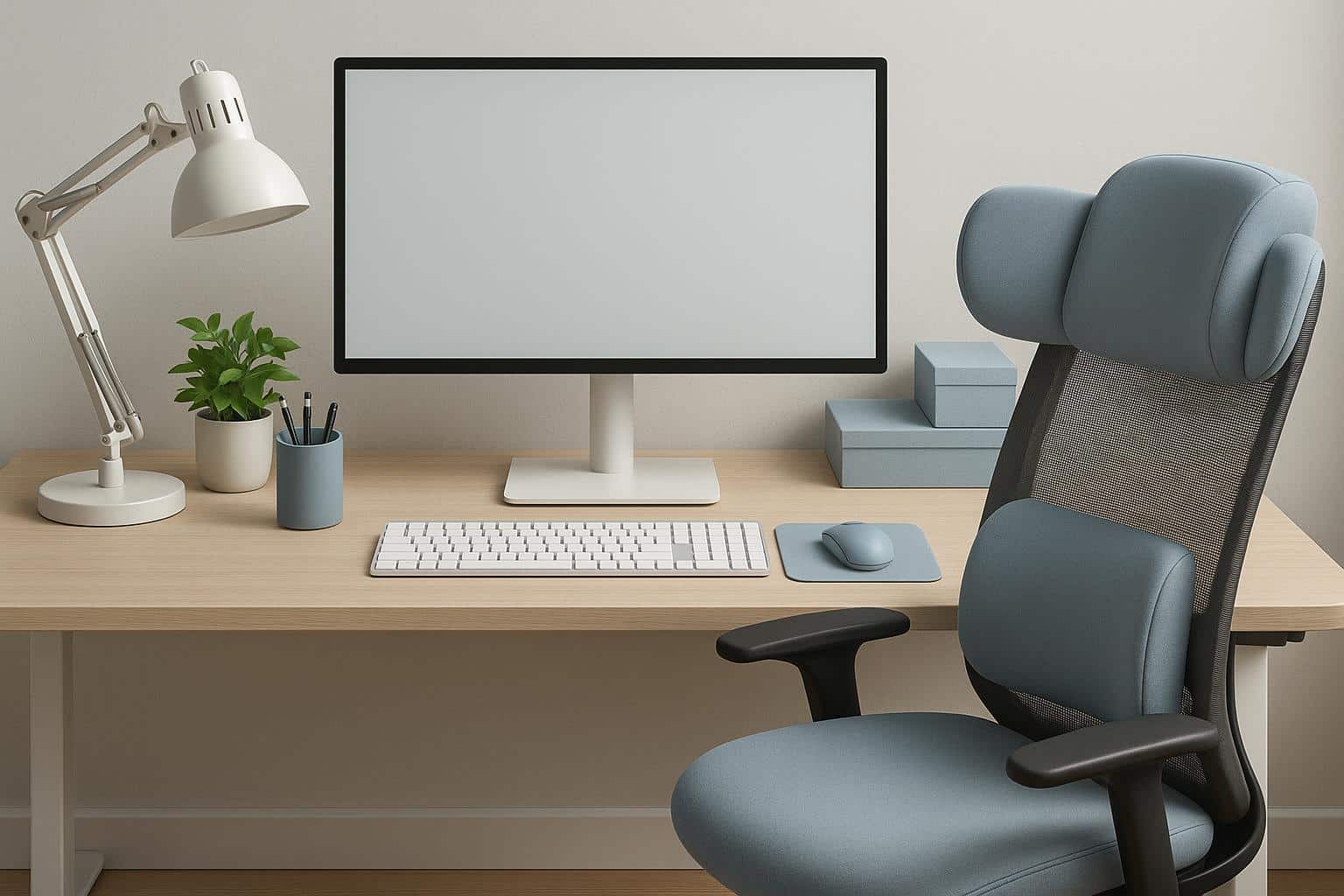
A workstation can look perfectly fine and still leave you feeling stiff by mid-afternoon. The desk is level, the monitor works, the chair rolls — job done, right? Not quite.
A lot of everyday discomfort comes down to how the setup fits the person using it. That’s why selecting an ergonomic office chair is such an important part of creating a workstation that feels supportive over a full working day.
Contents
Start With the Chair, Then Build Around It
The chair is one of the few pieces of office furniture you interact with for hours at a time, so it deserves more attention than simply matching the desk.
Seat height should allow your feet to rest comfortably on the floor or on a footrest. Your knees shouldn’t feel jammed upward, and you shouldn’t have to perch on the edge of the seat to reach the desk.
Back support matters too.
A chair that supports the lower back can make it easier to maintain a comfortable position rather than gradually collapsing into the familiar late-afternoon slouch.
Get the Screen Out of the Wrong Place
One of the most common workstation problems is a monitor that sits too low.
If you spend all day looking down at a laptop screen, your neck and shoulders may end up doing more work than they need to.
Raising the screen closer to eye level can help create a more natural viewing position. If you use a laptop for long periods, a separate keyboard and mouse can make this setup much easier.
You don’t necessarily need an elaborate monitor arm. Sometimes a simple stand is enough.
Keep Frequently Used Items Close
A good workstation reduces unnecessary reaching.
Your keyboard, mouse, phone and other regularly used items should be easy to access without twisting or stretching repeatedly.
If you’re constantly reaching across the desk for paperwork, moving the mouse too far to one side or turning your body to look at a second screen, small adjustments can make the setup feel much more natural.
The goal is to let the workstation fit around you rather than forcing you to fit around it.
Don’t Ignore the Desk Height
Even an excellent chair can’t compensate for a desk that sits at an awkward height.
If the work surface is too high, you may find yourself shrugging your shoulders while typing. Too low, and you may start leaning forward.
Adjustable desks can offer more flexibility, but a fixed desk can still work well when the chair, monitor and accessories are positioned thoughtfully.
It’s about getting the relationship between each element right.
Movement Still Matters
No workstation, however ergonomic, is designed to keep you completely still for eight hours.
Changing position, standing up, walking around and taking short breaks can all help reduce the strain that comes from sitting in one posture for too long.
That’s worth remembering because ergonomic furniture can sometimes create the false impression that posture alone solves everything.
It doesn’t.
A supportive setup helps, but regular movement is still part of the equation.
Make Comfort Practical
The best workstation isn’t necessarily the one with the most expensive equipment.
It’s the one where the chair supports you properly, the screen is easy to see, your arms can rest comfortably and you aren’t constantly adjusting your body to compensate for poor positioning.
A few sensible changes can often make a bigger difference than a complete office overhaul.
And if you finish the day thinking less about your back, neck or shoulders, that’s usually a good sign the setup is doing what it should.